Your IPTV subscription, on a telly that finally behaves.
Point it at the TV service you already pay for and it turns into a proper telly: a full guide, channels that change the moment you press the button, and your films and shows where you can find them. No ads. No tracking. No account to create.
The Telly is a player, not a provider. It ships with no channels, no playlists and no preconfigured services. You connect it to an IPTV subscription you already pay for — via Xtream Codes, a Stalker Portal, an M3U playlist or an XMLTV guide — and it plays what your provider sends. We are not affiliated with any provider, and we don't sell, host or index content.
What it looks like
Screenshots are taken from the real app on a 1080p Android TV device. The channel lineup shown is a demonstration lineup, not a real provider's.


Made for the sofa
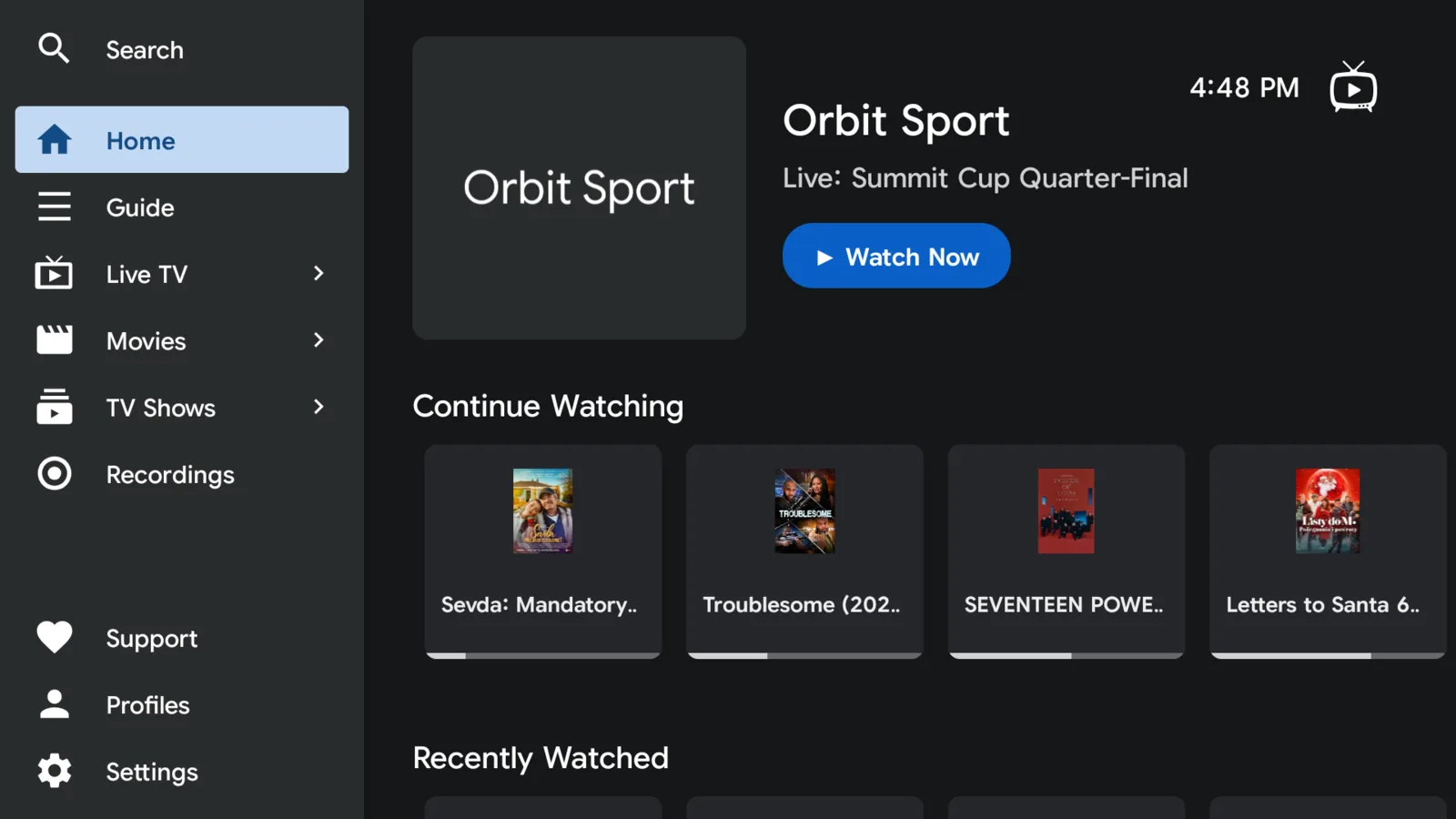
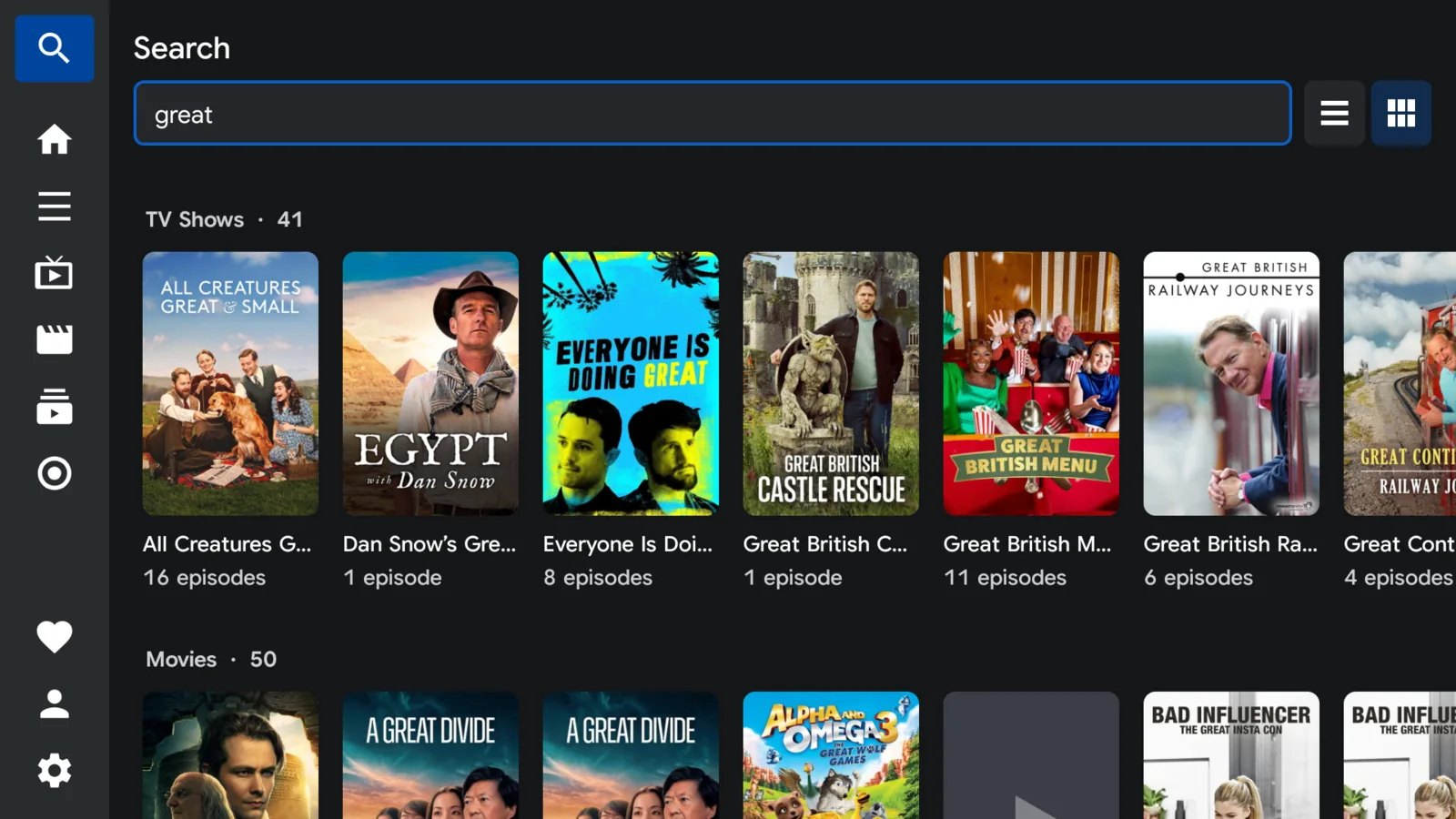
Every screen is built for a remote in one hand. Nothing here expects a mouse.
A guide worth using
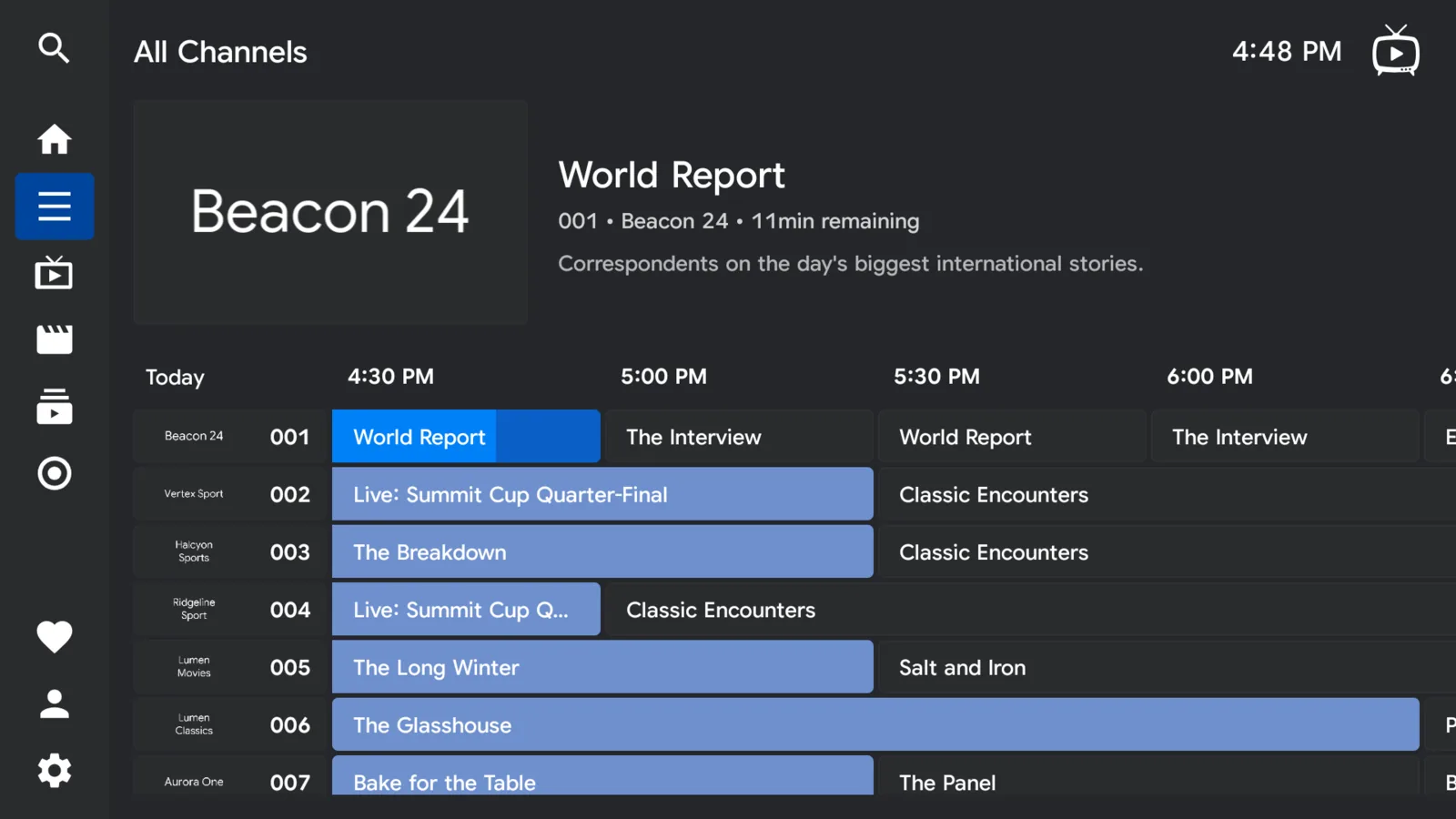
See what's on now and what's on next, across every channel. Hold a direction to race through the schedule, narrow it down to the channels you actually watch, and keep your favourites at the top.
Pause and record live TV
Pause live TV when someone's at the door. Rewind if you missed the goal. Keep a recording and watch it whenever suits you.
Plug in a drive
Connect a USB drive and save your recordings straight to it, so running out of room never stops you recording. Copy your own films and videos onto it too and they'll turn up in the app, ready to play.
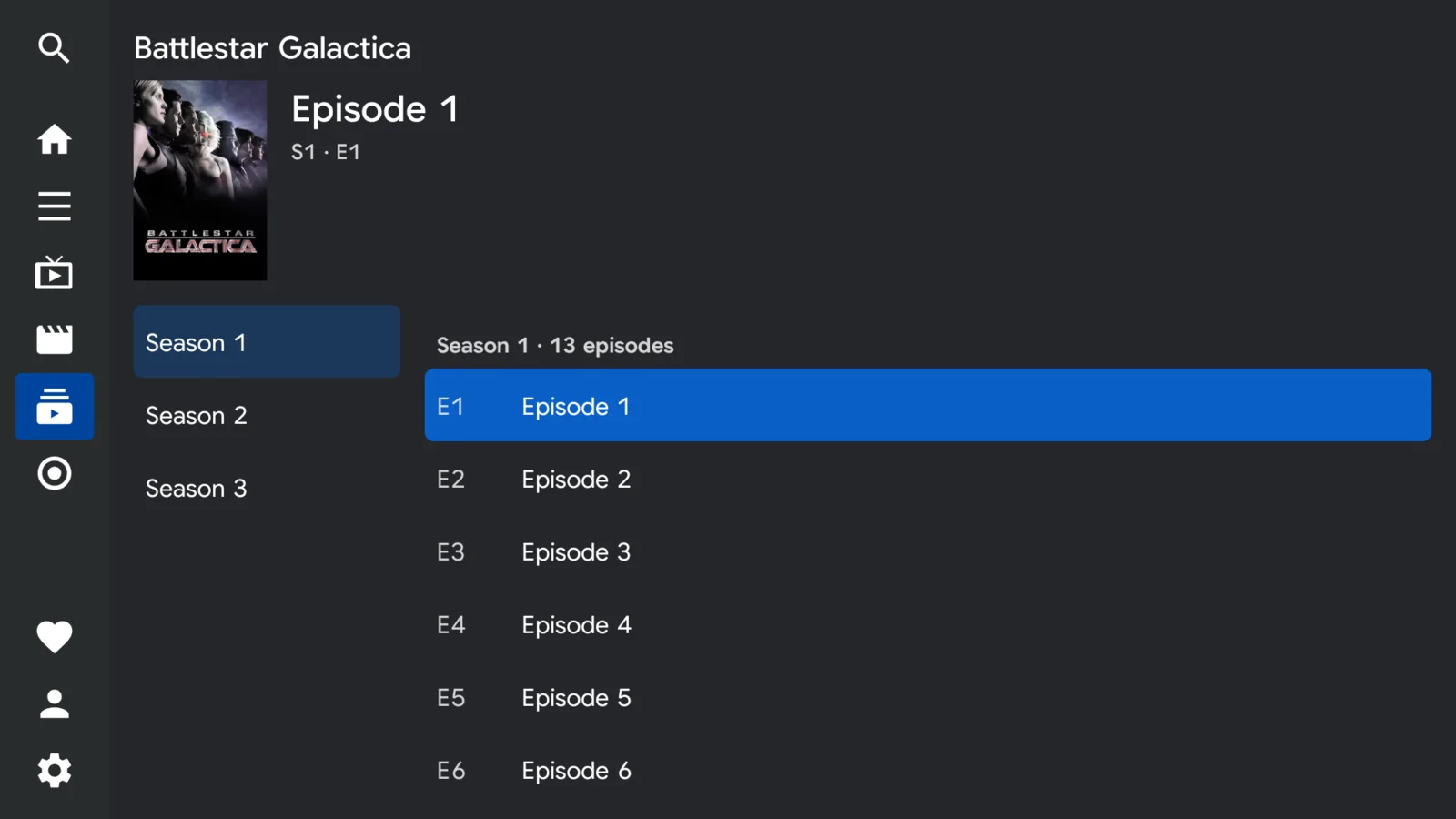
Films and shows, properly sorted
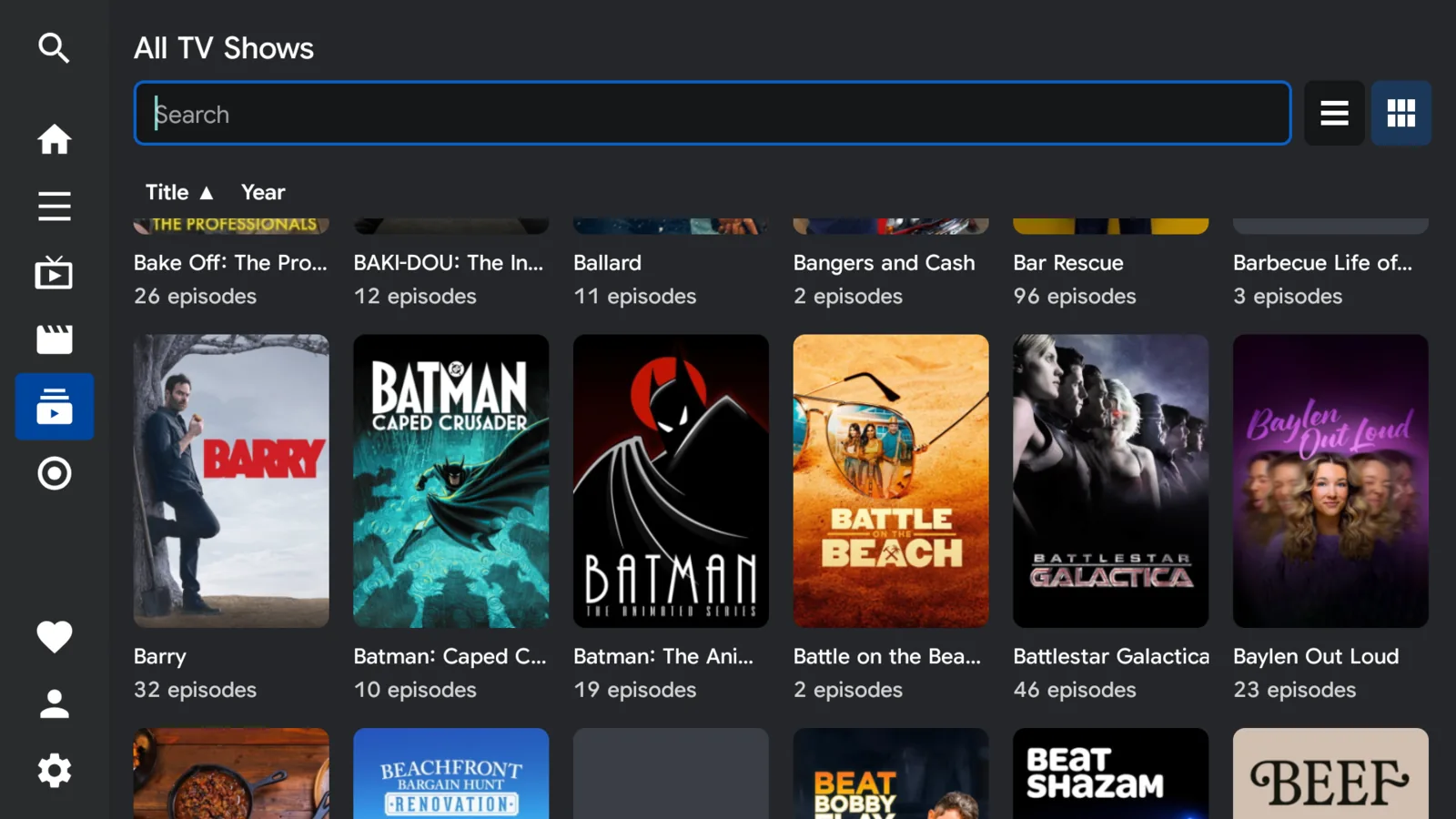
Loose episodes are tidied into real shows and seasons. It remembers where you stopped and rolls straight into the next episode.
A backup for the big match
Give a channel more than one stream and it quietly moves to whichever is holding up best, so one bad connection doesn't cost you the game.
One telly, everyone's telly
Each person in the house gets their own favourites, their own history and their own recordings.
Subtitles, the way you like them
Turn them on once and they stay on, from live channels to films and shows. It finds the subtitles that come with whatever you're watching, and you can change the size and the look so they're easy to read from across the room.
Ten languages
English, Arabic, German, Spanish, French, Hindi, Japanese, Korean, Brazilian Portuguese and Simplified Chinese.
Parental controls
Put a PIN on the channels you'd rather the kids didn't wander into, or hide them from the guide altogether.
Privacy, stated plainly
The Telly has no servers. There is no account to create, nothing to sign in to, and nowhere for your viewing to be sent — because we don't run anywhere to send it.
Android permission requested: internet access. That's the entire list.
Analytics, crash-reporting, advertising and tracking libraries in the app.
Accounts, logins or personal details collected by us — there is no "us" to collect them.
Your provider's address and credentials are stored on your device and sent only to that provider. The full detail is in the privacy policy.
Community
The Discord is where releases get announced, bugs get triaged and feature requests get argued about. It's the fastest way to reach someone who can actually help.
One house rule above all others: no playlists, no provider credentials, no reseller links. Bring the app, not the content.